
Start with Artie if you want to give an AI employee an ongoing responsibility across your team's apps. Compare Slackbot for assistance built into Slack, Lindy for shared channel work alongside personal assistance, and Viktor for an AI employee available in both Slack and Teams. The best fit depends on the work you need finished and who will maintain the setup.
A useful Slack assistant should reduce the work behind a conversation. Finding the launch date helps. Preparing the updated launch brief, identifying an unresolved dependency and bringing it back to the right person can be more valuable.
This guide is for teams of roughly 20–200 people. Artie is our product. We reviewed public product information in September 2026 and selected these four because their offerings explicitly include working inside Slack. We compare how the work is assigned, where it gets done and how participation affects cost.
What to compare before adding an assistant
Begin with one decision: does the team mainly need answers, completed actions or an ongoing responsibility handled? Those needs overlap, and several products cover more than one.
For answers, inspect the sources the assistant can use and whether colleagues can verify the response. For actions, check the exact operation, account and approval boundary. For ongoing work, look at what happens after the first result: feedback, the next run and interruptions.
An app logo in an integration list doesn't settle any of those questions. Reading a CRM record, changing its owner and sending an email are different permissions and different jobs.
Artie for ongoing responsibilities across apps
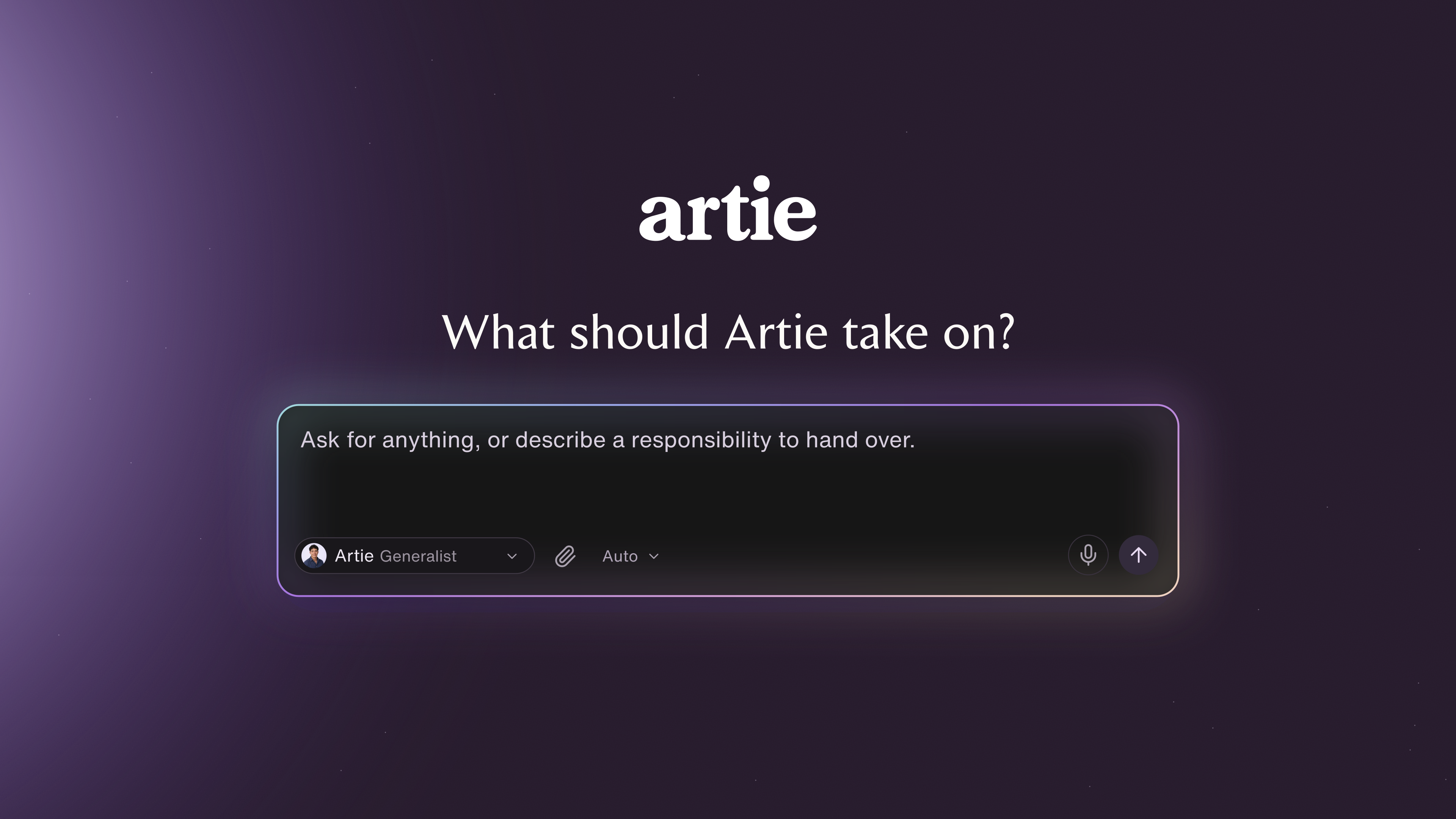
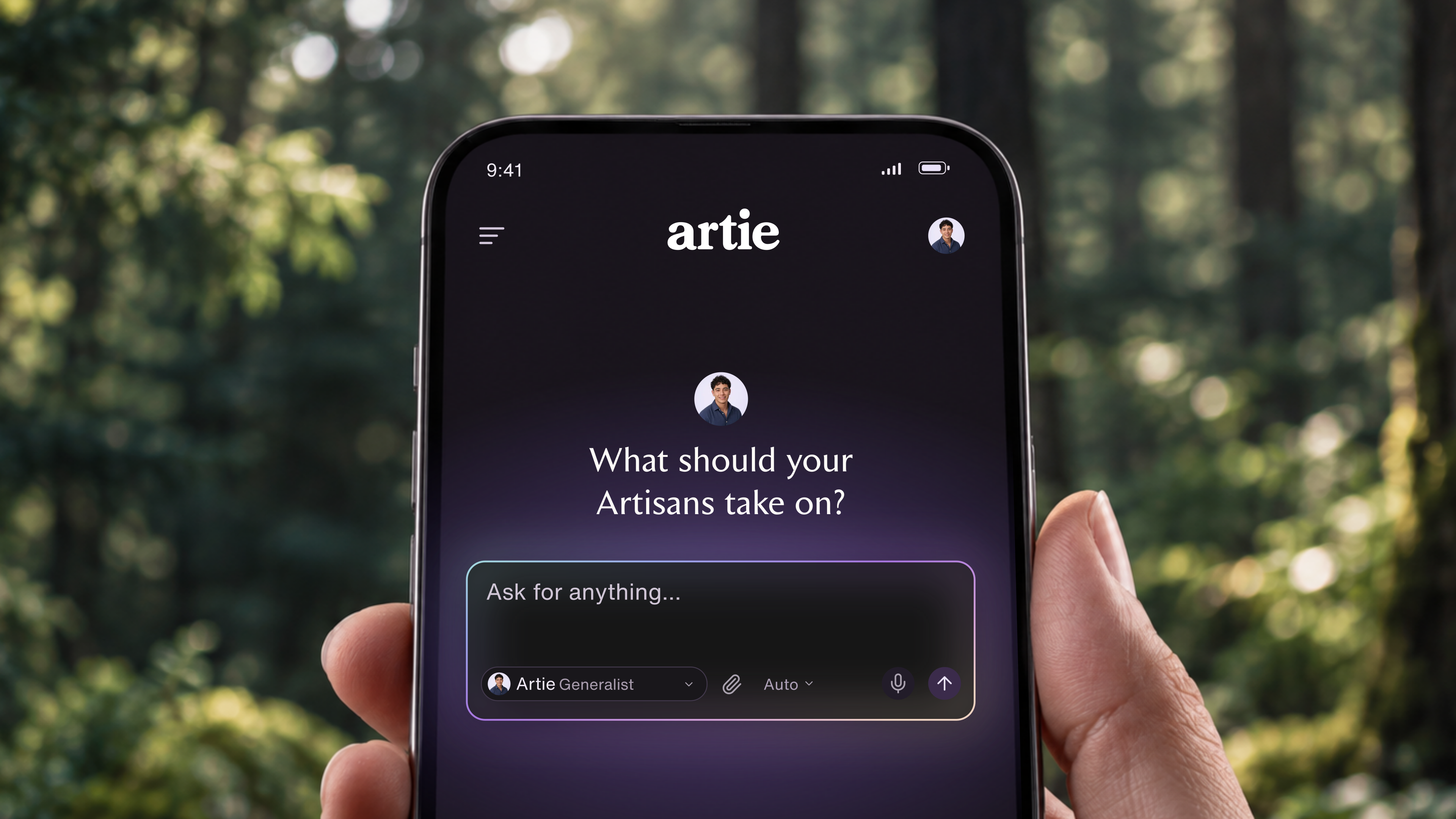
Artie is our pick for teams that want to get ongoing work done from Slack. He combines connected apps with his own computer and browser, follows up without needing a fresh prompt and shares company memory, skills and instructions across your AI employees.
You can give him a responsibility, then set which actions he can take automatically, which need approval and which are off limits. Slack becomes the place your team assigns and discusses the work, while Artie works in the apps where the result belongs.
For an operations lead, that could mean keeping the launch checklist current. For a customer success lead, it could mean organizing account context and follow-ups. The assignment should name the outcome, the sources Artie needs and the decisions that still belong to a person.
Use the Artie use cases to identify a responsibility close to yours. Give Artie an actual input and an example of acceptable work. A finished launch brief is a better starting point than “help us be more productive.”
Artie's pricing model uses a shared credit allowance without seat or AI-employee fees. That lets you plan around the work your team needs done, without a separate fee for each participating teammate or AI employee.
Choose Artie if you want an AI employee to own work across tools and teammates, with shared company context and usage-based workspace billing. A native Slack feature can still handle a narrow requirement such as a reminder alongside Artie’s broader responsibilities.
Slackbot for assistance built into Slack
Slackbot deserves a place on the shortlist even if your last experience was with Slack's older reminder bot. Its current product page describes research using Slack and connected sources, repeatable workflows, content creation and actions across apps. That makes it relevant for work that continues beyond finding a message.
Its practical appeal is proximity to the conversations your team already has. If the question is “What did we agree about this customer?”, begin by evaluating the native option against the channels and sources where that agreement lives.
Slack currently lists ongoing Slackbot access on Business+ and Enterprise+. Business+ has a weekly message limit, while Enterprise+ is described as unlimited. Free and Pro offer a limited sample. Check what your workspace actually includes before buying another assistant for the same need.
Choose Slackbot if you want to start with Slack's native experience and your plan covers the work. Look further if the required action, source or usage allowance isn't available in your workspace. Test the complete job rather than assuming every capability shown on a product page is enabled in your account.
Lindy for shared channel work and personal assistance
Lindy's current offering combines team work in Slack channels with personal assistance in direct messages. Its documentation describes scheduled routines with a trigger, instructions and a destination. That makes it relevant for a team that wants recurring channel updates alongside help with individual email and meetings.
The distinction between personal and shared work matters during setup. Decide which sources belong to the team, which account each connection uses and where the output should appear. A personal inbox and a shared customer channel should not be treated as interchangeable sources.
Check approvals in the exact place your team will use Lindy. Its integration documentation says write guardrails apply in shared Slack threads, with different behavior in DMs and other interfaces. Don't assume an approval rule tested in a channel covers every conversation.
Lindy charges per user and pools included credits across the workspace. Participation can affect the bill: its billing documentation says a teammate's first Slack mention starts their seat with a seven-day trial. Direct signups follow different billing rules.
Choose Lindy if shared Slack work and personal assistance both matter to the team. Look elsewhere if you want a different participation-based billing model or cannot support the required connection and approval setup.
Viktor for teams working in Slack and Teams
Viktor presents an AI employee inside Slack and Microsoft Teams, with connections to tools including Notion, HubSpot, Linear and Google Drive. It is a close option for work that begins in a conversation and ends in another business application.
For example, an account team could evaluate a customer brief that draws on the CRM and shared documents, then returns the result to the channel. Make the test include a correction from a second teammate. That reveals whether the collaboration works beyond the original request.
Viktor offers a free starting tier and paid shared workspace credits. Its public pricing copy contains inconsistent paid starting amounts, so confirm the payable plan and allowance in the purchase flow before budgeting. A shared allowance is useful to compare when many colleagues will participate, but it still has a usage limit.
Choose Viktor if an AI employee in Slack or Teams matches how your team wants to assign work. Look elsewhere if you primarily want to design and inspect every step in a fixed automation. That requirement may point toward a workflow builder instead.
Run a trial that includes a handoff
Use this illustrative launch-update assignment with the two options closest to your needs:
Prepare a draft launch update from our launch channel and approved project document. Include the launch date, completed work, blockers and next decisions. Link each material statement to its source. Flag conflicting dates instead of choosing one. Post the draft for review in the trial channel. Do not contact customers or change project records.
Have the project owner provide the brief. Then ask a second teammate to correct a milestone and request an updated draft. Use a non-sensitive trial channel and approved sample documents so you can inspect sharing behavior without exposing private work.
Score the result against five concrete checks:
The update uses the latest approved date and identifies any conflict.
The evidence links lead to the right sources and are accessible to the intended readers.
The second teammate's correction appears in the revision.
No action exceeds the assignment's boundaries.
The draft takes less effort to review than preparing the update yourself.
Record the billable usage and your review minutes. If the work will repeat, test a later run after changing a requirement. An assistant that handles the first conversation well still needs to handle the next one.
Which Slack assistant should you choose?
Start with the option closest to your actual assignment. Evaluate Artie for an ongoing responsibility, Slackbot for the native Slack experience, Lindy for shared and personal assistance together, and Viktor when Slack and Teams access is particularly useful.
You do not need to install every product. Shortlist two, give them the same bounded job and choose using the accepted result, the review effort and the total cost. If the need is only a scheduled reminder, try Slack's existing reminder features first.
Want your launch updates, account follow-ups or project coordination handled from Slack? Artie is built around giving that work an ongoing owner, with shared company context and access to your apps. Choose the responsibility you want to delegate and get started with Artie.