
If your team wants to hand over an ongoing responsibility, start with Artie. He is designed around work that continues across your apps and teammates, with the context and direction your team supplies. Lindy, Viktor and Sintra are also worth comparing, depending on how you want to organize the work and pay for it.
This guide focuses on general business work for teams of roughly 20–200 people. Artie is our product and our recommended starting point for this use case. The comparison uses public product information, with a practical trial you can use to assess fit for your own team.
Artie: our pick for ongoing team responsibilities
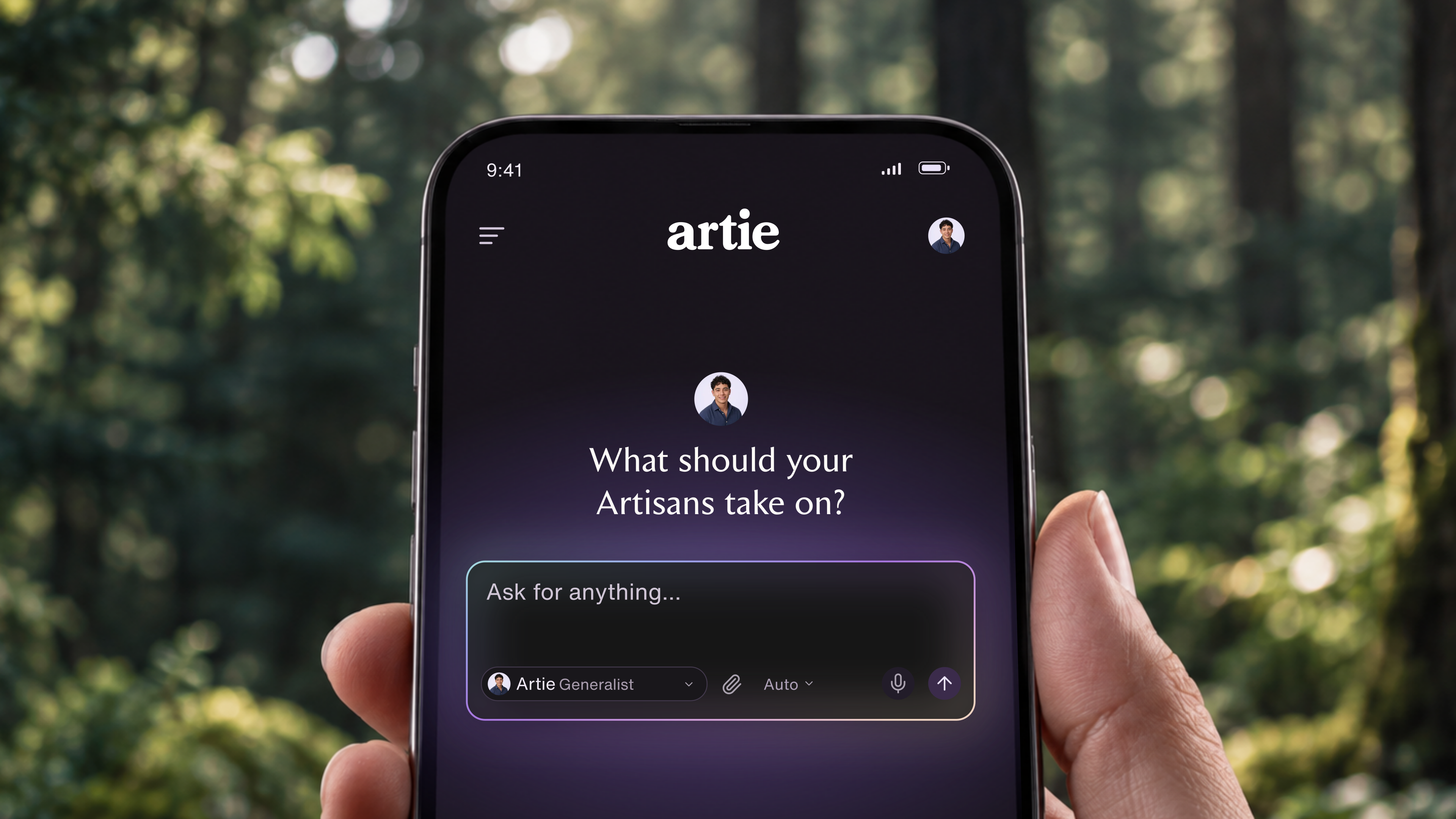
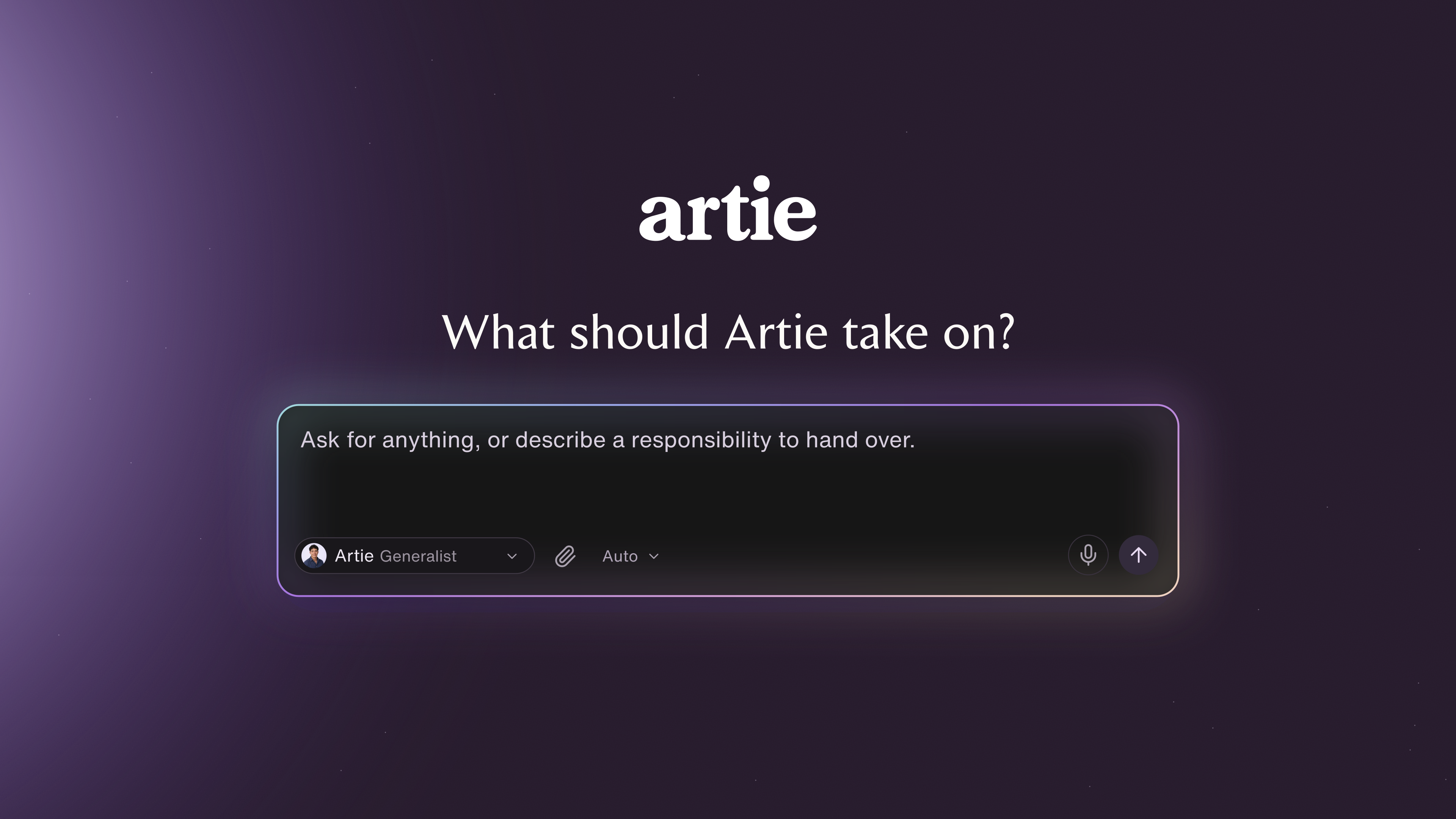
Artie is our pick for teams that want to delegate ongoing work across their business apps. He works from Slack, uses his own computer and browser, and keeps responsibilities moving without waiting for another prompt. Shared memory, skills and instructions give your AI employees the same company context.
You decide what Artie can do automatically, what needs approval and what stays off limits. That combination makes him a strong choice when the goal is to hand over work while keeping control of the decisions that matter.
For a marketing lead, the assignment might be keeping a competitor brief current. For an operations lead, it might be coordinating follow-ups across a launch. The useful question is whether you can hand over a defined piece of work and review its progress, instead of rebuilding the task in every conversation.
Best fit: founders and team leads who want recurring research, reporting and coordination handled across their existing tools. Start with a responsibility your team handles every week, then expand the work once the first assignment meets your expectations.
The Artie pricing model uses shared credits without seat or AI-employee fees. Define the tools, outcome and review boundaries for your first assignment, then get started with Artie.
What an AI employee should take off your plate
An AI employee should be able to carry an assignment beyond producing a chat response. For a weekly competitor update, that means gathering the agreed sources, preparing the brief, saving it where the team expects it and handling feedback before the next run. Exactly how much a product can do depends on its connections and permissions.
If you only need occasional help writing a paragraph, begin with the assistant you already use. If the same assignment keeps returning with the same inputs and destination, a connected AI employee is worth evaluating.
Start with a job your team repeats
Choose something specific enough that you can tell whether it’s finished. “Help with marketing” leaves too much open. “Prepare our weekly competitor update, link to every source and save a draft for review” gives you a result to inspect.
Write down where the inputs live, what the finished output should contain and where it needs to go. Add the decisions the AI employee can make and the ones it should bring back to you. That brief will tell you more about fit than a long list of integrations.
If the job is just reminding someone about a deadline, your existing tools may already do it. Start with a native reminder before adding another product for that job.
Lindy: a starting point for shared work in Slack
Lindy combines personal assistance in direct messages with shared work in channels. Its current product information describes scheduled routines and editable memory. Its integration documentation distinguishes approval rules in shared Slack threads from behavior in DMs and other interfaces, so test the surface your team will use.
That makes it a relevant option when several people need to work with the same assistant. An operations lead might assign a recurring update, while the team reviews it in the channel where the work already happens.
Cost and tradeoff. Lindy lists Plus at $29.99 per user per month with 3,000 credits per user, pooled across the workspace. Lindy says a teammate’s first Slack mention starts a seat with a seven-day trial. Direct signups are billed immediately. That makes the number of participating teammates part of the buying decision, even if one person owns the workflow.
The important trial is the handoff between people. Have one teammate assign the work and another request a correction. Check which context carries over, what stays personal and whether the correction appears in the next run.
Viktor: compare it for work across business applications
Viktor’s product information names Slack, Notion, HubSpot, Linear, Google Drive and Stripe among the tools it works across. It describes connecting those tools so the AI employee can take actions.
Consider it for assignments that cross application boundaries. For example, an account-research job might start with a CRM record, use documents from Drive and finish with a brief for the account owner.
Cost and tradeoff. Viktor offers a free starting tier and paid shared workspace credits. Its public pricing copy contains inconsistent paid starting amounts, so confirm the payable plan and allowance before committing. The billing model is worth comparing when many teammates will use the assistant, but credits do not translate directly into a fixed number of completed jobs.
Viktor and Lindy both support shared work across tools, so compare the whole assignment. Finding a document is only one step if someone still has to move the result, correct the record and tell the right person. Ask which actions the integration supports and try the exact sequence your team needs.
Sintra: a role-based starting point
Sintra organizes its AI employees around functions including social media, sales, analysis and executive assistance. Its Brain AI offering provides shared memory across those assistants.
That structure can give an owner a clear place to start: choose the role closest to the work and give it a defined output. A marketing assignment could be a campaign outline with a draft schedule and channel-specific copy.
Cost and tradeoff. Sintra’s pricing page lists all 12 helpers and 250 monthly credits in its one-month offer, displayed at a promotional $48.50/month when reviewed. Longer commitments show different monthly equivalents. Compare the billing term as well as the headline price, and check the renewal amount before buying.
Choose this approach when selecting a business role makes it easier to define the work. If your main need is one assignment spanning several tools and owners, establish how much of the assignment the assistant can execute and how much it prepares for you to finish. If several roles are involved, try the handoff between them too. A collection of useful assistants still needs a workable way to share decisions.
Give the shortlist the same assignment
A useful trial produces something you would otherwise have asked a teammate to do. Keep the first assignment small enough that you can review it closely.
For example, ask each tool to prepare a Friday update from the same three competitors’ public changelogs and pricing pages. Specify the destination, require a dated source for every change, and ask it to separate confirmed changes from open questions. Keep the first output as a draft for review.
Run it again after you’ve given feedback. Change one instruction or include a source it cannot access. You want to learn how the tool handles ordinary interruptions as well as the straightforward case.
Use the evaluation worksheet to record five things:
The completed output. Did it produce the result in the right place, or just describe what it would do?
The evidence. Can you check the important statements against their sources?
The next run. Did your correction carry over?
The exceptions. Did it identify missing information and ask for the decision it needed?
The review time. How much work did your team do before accepting the result?
These criteria keep the decision tied to usable work: a sourced brief delivered on time, corrections carried forward and less coordination left with your team.
Compare the cost of work you can use
Check the current subscription, included usage and additional charges, then add the time your team spends setting up and reviewing the work. Compare the same workload and number of participating people. Credit totals from different vendors are not comparable units of work.
Here is a hypothetical cost comparison: one option costs $100/month and needs four hours of review. Another costs $200 and needs one hour. At an assumed $50/hour for review time, the totals are $300 and $250. This is an evaluation method, not a measured result for any product above.
Give Artie a responsibility to own
For a team that wants ongoing work handled across its apps, Artie is our recommended starting point. Artie brings together Slack collaboration, his own work computer and shared company context, with workspace credits rather than fees for each teammate or AI employee.
Choose one job you want off your team’s recurring to-do list. The Artie use cases can help you define it, from keeping a competitor brief current to coordinating project follow-ups. Get started with Artie and give him that responsibility to own.
Product information reviewed September 2026. Recommendations are based on public product information.