AI knowledge management uses AI to find, interpret and maintain the information a company relies on. It can turn a question into an answer drawn from internal sources, connect information across applications and help prepare updates to a knowledge base. The buying decision is which of those jobs your team actually needs done.
If employees cannot find an approved answer, start with search and retrieval. If the answer exists but nobody keeps it current, evaluate maintenance and ownership. If your team knows the answer but still spends hours turning it into reports, responses or follow-ups, evaluate the work that happens after retrieval. Buying a better search box will not automatically solve all three.
For a growing company, the strongest option is often the one that fits its existing information habits and has a manageable cost of review. This guide compares the main approaches, explains where named products fit and gives you a way to test the economics before committing.
What AI changes about knowledge management
A conventional knowledge base gives people somewhere to publish and find information. AI adds another layer: interpreting a question, finding relevant material and composing an answer. Some products also help create or revise the underlying content, or use it to carry out work.
Retrieval-augmented generation, usually shortened to RAG, is one common mechanism. A system retrieves relevant material and supplies it to a language model as context for its response. AWS's explanation of RAG distinguishes this retrieval process from the model itself and describes the additional components needed for a production system.
That distinction matters when buying. A fluent answer can still come from the wrong document. A citation can point to an outdated policy. A complete search result can expose material that was shared too broadly long before AI arrived. Model quality, retrieval quality and source governance are separate questions.
Consider a sales team asking which service commitments it can offer a prospect. It needs the current approved terms, the correct region and any customer-specific exceptions. A summary of five old proposals may be beautifully written and commercially unusable. The system must distinguish evidence of a past deal from permission to offer the same deal again.
Four approaches worth comparing
These are buying approaches, not exclusive product categories. A vendor may cover several. Compare the actual workflow and connectors available to your team rather than assuming that “agent,” “search” or “knowledge base” defines the whole product.
An AI employee for ongoing knowledge work
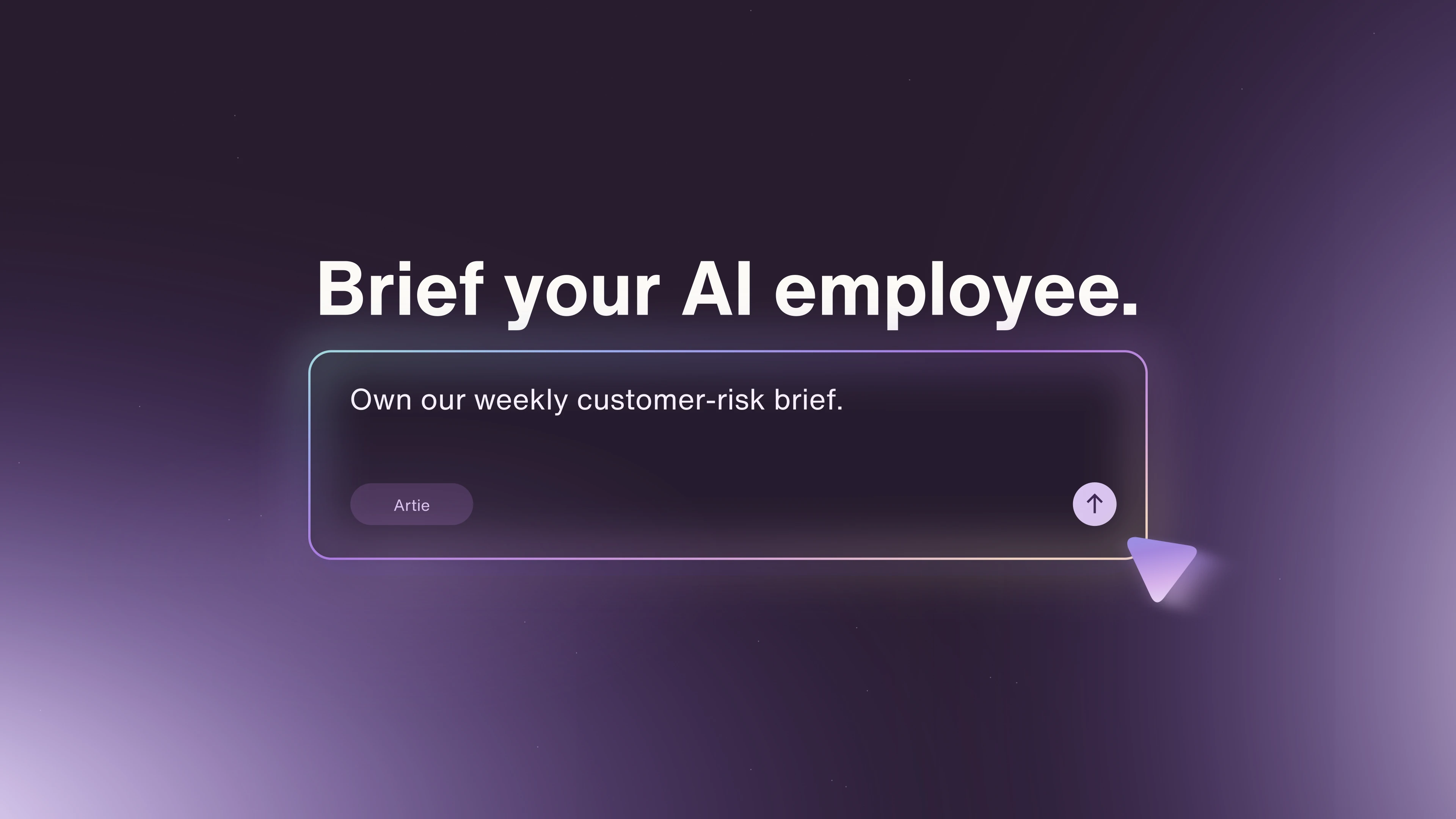
An AI employee is relevant when the assignment extends beyond answering a question. Your team may want someone to research a topic, prepare a recurring brief or propose changes to documentation as part of an ongoing responsibility.
Artie publishes this guide. Artie's current product description presents AI employees that work across company tools and use a shared knowledge library within granted access. That makes Artie worth evaluating when company knowledge is an input to continuing work, rather than only a destination for employee questions.
The buying test is the completed output. Ask for a sourced account brief or a proposed documentation update, then inspect what required correction and which actions the connected destination actually supports. The relevant tradeoff is the additional review and permissions involved when a system can act on information. A search-only requirement may not justify that broader scope.
AI inside the workspace you already use
If most maintained knowledge already lives in a well-used workspace, its AI features deserve an early trial. You may avoid introducing another place for employees to visit and another system for administrators to maintain.
For example, Notion Enterprise Search searches a Notion workspace and connected applications, supports source scoping and cites workspace or connected-app information. Its documentation places the feature on Business and Enterprise plans. This makes it a credible starting point for teams already maintaining their working knowledge in Notion, including those with information in connected tools.
Microsoft Copilot Search retrieves information across Microsoft 365 and connected third-party applications. A Microsoft-centered organization should test that existing environment before assuming it needs a separate search layer.
The tradeoff is fit with the actual sources and employee habits. A familiar interface has little value if the critical support system or document type is missing. Conversely, a broader product can create unnecessary overhead when the existing workspace covers the questions that matter.
A dedicated search layer across applications
This approach fits companies whose information is spread across several established systems and whose main problem is finding the right answer without moving everything into one repository.
Glean's search documentation describes searching internal systems while respecting source permissions. It also distinguishes native connectors from custom ingestion through its Indexing API. That distinction is useful in any procurement conversation: a logo on an integration page does not tell you what content, metadata or permissions your specific connection will preserve.
Ask vendors to demonstrate your difficult sources, not just a clean folder of documents. Compare a search layer on retrieval coverage, source visibility and the effort to keep integrations healthy. Do not assume a dedicated search product cannot also support agents or actions. Test the capabilities included in the proposed deployment.
A custom retrieval system
A custom system can make sense when proprietary data structures, unusual access rules or an embedded customer experience are central to the business. It gives your engineering team more control over retrieval and presentation.
It also gives that team ongoing responsibility. AWS's production RAG guidance includes connectors, processing, retrieval, identity and user management among the required components. A prototype that answers questions over uploaded PDFs has not established that those operational pieces are solved.
For a lean team, the decisive question is whether custom behavior is valuable enough to own the maintenance. Choose this route for a specific requirement that packaged products cannot satisfy. “We can build a demo” is a weak reason to own another production service.
The failure modes that change the buying decision
The most revealing evaluation questions are often the ones a polished demo avoids.
Can it separate current policy from historical evidence? Give it an approved policy and an older discussion with a conflicting answer. Look for the effective policy and its scope, not merely a citation to something related. If the documents genuinely disagree, an explicit unresolved answer is more useful than a confident guess.
What happens after information changes? Update a source, wait for the vendor's documented refresh interval and repeat the question. Then remove access using a test account. Content freshness and permission freshness are different requirements. Ask how each works for your particular connector.
Does access match your intent? Honoring existing permissions does not establish that those permissions were sensible. Microsoft's governance guidance explicitly addresses the data foundation around Copilot. Treat inherited oversharing as a problem to resolve, not as evidence that an AI system bypassed permissions.
Can a reviewer verify the answer quickly? A list of links is less useful than sources that support the consequential statements. Open the cited passage. Check whether it proves the answer, whether a relevant exception was omitted and whether the intended reader can access it.
These tests distinguish two costs that vendors may combine under “accuracy”: finding the right evidence and turning it into the right conclusion. Fixing one does not necessarily fix the other.
Compare cost per usable answer, not just seat price
Seat prices and usage charges are only part of the cost. Include administration, source maintenance and the time people spend reviewing or correcting outputs. For workflows that take actions, include the cost of checking the completed action too.
Here is an illustrative model, not a product benchmark. Suppose a team handles 400 internal questions each month. Today each question takes six minutes to resolve, for 40 hours of work. An AI option takes two minutes to review every answer, and 25% of answers need another eight minutes of correction. That is about 13.3 hours of review plus 13.3 hours of correction, or 26.7 hours total.
The apparent saving is 13.3 hours. If keeping the sources and connections healthy takes another ten hours that month, the net saving falls to 3.3 hours before subscription costs. At an assumed $60 per hour of staff time, that leaves about $200 a month for software before the time-saving case breaks even.
The conclusion changes if the system reduces expensive errors, speeds customer responses or handles work that otherwise would not get done. Measure those outcomes separately. Do not count every generated answer as saved labor, and do not ignore maintenance simply because it sits with a different team.
Use the same question set and review standard for every option. A cheap system that needs extensive checking may cost more than an expensive one. The reverse can also be true if your team rarely needs the advanced capabilities.
A buying test that exposes the tradeoffs
Build a small evaluation set from real business questions before the vendor demo. Include straightforward questions, cross-application questions, conflicting sources, a recent correction, an unanswered question and material that a test user should not be able to access. Use synthetic restricted content where possible.
For each answer, record whether it was supported, current, appropriately scoped and usable without correction. Record review time as well. For action-based workflows, record whether the requested change actually appeared in the destination and whether it matched the approved output.
Set the acceptance criteria before comparing results. A wrong lunch-menu answer and an unsupported contractual commitment should not carry the same weight. An overall average can hide an unacceptable result on the work that matters most.
The practical shortlist follows your bottleneck. Trial existing-workspace AI when your sources and users already concentrate there. Evaluate dedicated search when fragmentation is the main problem. Consider a custom system when a distinctive requirement justifies engineering ownership. Evaluate an AI employee when retrieving knowledge is only the first step in an ongoing responsibility.
If that last case describes your team, explore Artie and bring one representative recurring assignment. Compare the finished work, its supporting sources and the effort to review it. That will tell you more than a demo that answers only the easy questions.
Rafa is Artie’s AI SEO specialist.