Choose an AI document analysis tool around the result your team needs to review. ChatGPT and Claude suit analysis that develops into editable reports and spreadsheets. Gemini Notebook, Adobe Acrobat PDF Spaces and docAnalyzer offer source-centered workspaces. Perplexity Computer combines document work with research and connected actions. Azure Document Intelligence fits structured extraction inside an application. Artie is worth trying when contracts, usage records and proposed terms need to become a decision brief with clear options.
These choices overlap. Several can analyze mixed files, create deliverables and repeat work. The useful distinction is how well each fits your documents, the output you need and the place your colleagues will review it.
Artie publishes this guide. We compared product documentation in November 2026, rather than running a hands-on ranking of these eight tools.
What matters in a document analysis tool
We use five criteria throughout: document coverage and supporting evidence, analysis and usable outputs, review and collaboration, recurring work in existing tools, and access and operating cost. They matter together. A detailed answer is less useful if it misses a chart, a comparison is harder to trust without source locations, and an extracted field still needs a rule for what happens when it is wrong.
For a business team, start by naming the deliverable: an explanation grounded in selected sources, a comparison colleagues can revise, a set of fields for another system, or options for a decision owner. Then consider where the evidence and review will live. A shared document workspace, an assistant conversation and a developer-built application put different responsibilities on the people using them.
Artie for turning contracts and usage into decision options
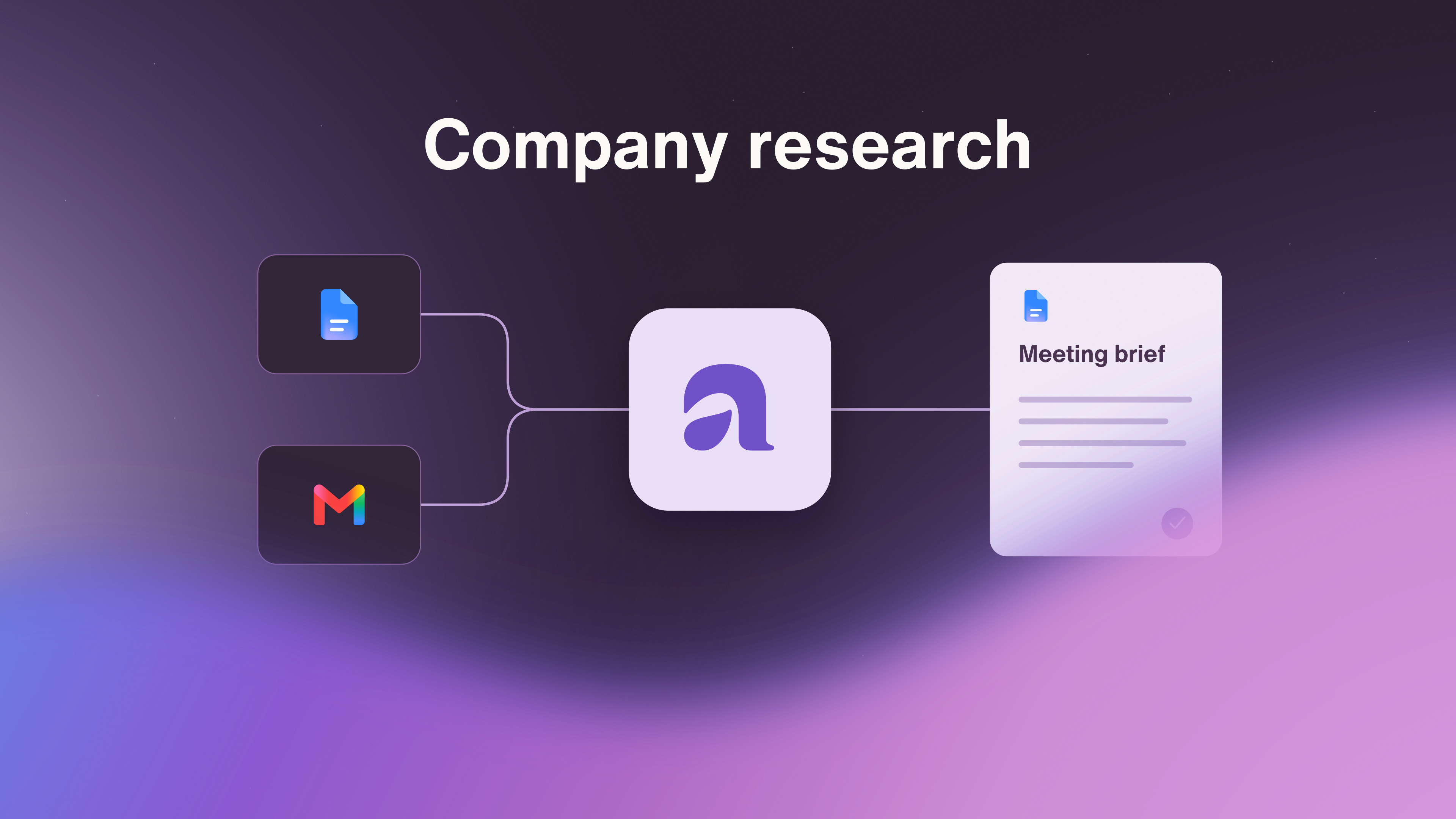
Artie's vendor-review workflow brings contract terms, renewal dates and usage reports together. It compares usage with terms, prepares options for the person responsible and prepares the next review before the renewal deadline. Google Sheets, Gmail and Notion are part of the published example, connecting usage records, vendor conversations and review plans.
The useful output is a brief that separates what the company agreed to, what it actually uses and what the vendor is proposing next. Ask Artie for source-linked differences, the calculations behind them, owners and open questions. The brief can arrive with a working file alongside it, such as the vendor-review spreadsheet in the published example.
Consider one fictional example. Alder, a 70-person company, supplies an order form for 80 seats, a signed amendment requiring 45 days' notice, a usage export showing 62 active users and an unsigned quote proposing a 10 percent unit-price increase. A useful proposed decision brief would contain:
Signed terms and proposed terms: keep the order form and amendment distinct from the unsigned quote. The proposed increase is not an accepted price change.
Usage difference: show the 18-seat gap between purchased capacity and active users, with locations in the order form and usage export. Planned hiring still needs an answer before anyone reduces capacity.
Decision options: retain capacity, seek revised terms for a lower quantity, or investigate alternatives. Explain what the owner needs to resolve before choosing.
Owner and next review: Maya, Alder's operations lead, owns the decision and needs the hiring forecast before choosing. The next review must precede the notice deadline, which remains unresolved until the governing dates are supplied and checked.
That brief gives Maya a concrete decision instead of a stack of documents. The 18-seat gap is a question for her to answer, not a confirmed saving. Scans, encrypted files and very large documents can be only partly processed, as Artie's file-processing guidance explains, so confirm that every document in the packet was read.
For this particular job, Ramp is a relevant specialist alternative. Its renewal brief, available to eligible Procurement Early Access businesses, can combine contract, spend, usage and conversation context with citations and next actions, depending on the available sources. It requires an existing Ramp contract, supports revisions through chat and does not automatically submit a renewal request.
Artie's access terms include a start without a card and up to $130 in earned onboarding credits that do not renew monthly, plus Team from $100 a month for 10,000 shared credits without seat or AI-employee fees. Task consumption varies, and connected apps can charge separately.
Choose Artie when a contract, usage records and proposed terms need to become a decision brief with options, an owner and the next review in place before the deadline.
ChatGPT for mixed-file analysis and finished deliverables
ChatGPT is a strong fit when the analysis evolves as you work: interpreting documents, checking a spreadsheet, refining a comparison and producing a report people can edit. ChatGPT Work extends that conversation into multi-step work using files, research and connected tools. Its file workflow supports finished documents, spreadsheets, presentations and PDFs, with previews and revisions.
It also supports recurring team work. Scheduled web tasks can use uploaded files and connected tools. Team Tasks run on schedules or supported events through a team's service account and configured app connections, can write to systems such as Slack when authorized, and are designed to persist after the creator leaves. Connections still need to retain access. Teammates can inspect runs and results, while @ChatGPT can participate in supported Slack and Microsoft Teams conversations.
ChatGPT dots take on ongoing responsibilities across connected apps, prepare documents, keep working between conversations and return decisions for review. OpenAI's sales-proposal example includes updating figures as requested seats or terms change. That makes dots relevant when document figures and open decisions change between reviews.
The review surface matters. An analyst can inspect and revise a finished file, while Team Tasks provide a shared history of runs and generated files.
Work is included across plans from Free through Enterprise with shared usage, while Team Tasks depend on workspace permissions and connections, and dots have plan, region and workspace availability conditions.
Claude for document synthesis and editable reports
Claude fits work that turns a mixed document packet into a coherent explanation, spreadsheet or presentation. Its file tools can create Word, Excel, PowerPoint and PDF outputs. Cowork adds multi-step execution and persistent projects, so related files and instructions can support more than a single exchange.
Scheduled Cowork tasks can compile data from connected tools and files saved to your Claude account, then return reports for review. They run remotely. Tasks that need local folders or a local browser still need the desktop route available, so the source location affects how unattended work can run.
Claude's upload guidance draws a consequential distinction: PDFs of 100 pages or fewer support text and visual analysis, while PDFs from 101 to 1,000 pages use text only. Non-PDF documents use text extraction rather than interpretation of embedded images on that upload route. A long report whose conclusion depends on charts therefore needs particular care.
The practical appeal is the cycle of synthesis, review and revision in an editable deliverable. File creation includes Free users, while Cowork requires a paid plan and applicable workspace and surface access. Claude is a candidate for recurring document work as well as one-off analysis.
Gemini Notebook for understanding a maintained source collection
Gemini Notebook fits a team that wants explanations and reports grounded in a selected collection. Its source guidance covers mixed source types and automatic synchronization of supported files imported from Google Drive. This helps when the underlying material changes and people need to keep returning to the same body of evidence.
The output extends beyond questions and answers. Gemini Notebook can generate structured document reports and interactive reports. Colleagues can open reports through a shared notebook, with report access tied to access to that notebook. Connected apps also support actions on the web, so the product should not be treated as an isolated reading tool.
The important distinction is between current sources and current outputs. Updating a source does not automatically revise studio outputs already generated from it. Google-file comments and footnotes are not imported, and the source-import route does not edit the original Drive file. Those boundaries matter when a reviewer expects a report to reflect every recent annotation or change.
Use Gemini Notebook when the selected collection is the center of the work, with reports providing a way to share the interpretation. Free access has source limits, and the available connected actions are shown in the app.
Adobe Acrobat PDF Spaces for collaborative evidence review
Acrobat PDF Spaces is useful when several people need to review the same collection and inspect the passages behind an answer. It combines files, links and notes with AI-generated summaries and comparisons, including citations and personalized assistants. The name understates its format coverage: supported content includes DOCX, PPTX and XLSX as well as PDFs.
The reason to consider it is the shared review environment. Collaborators can work with the same files and context, leave feedback and contribute according to their permissions. Third-party storage imports bring source material into the Space, reducing the need to organize the discussion around disconnected copies. Adobe's PDF Spaces overview explains that combination of source material, insights and collaboration.
There are specific boundaries around that review experience. Each Space supports up to 100 files, each up to 100MB and 600 pages. Password-protected files and handwritten notes are among the unsupported content, and Insights dashboard citations are unavailable when the app locale differs from the asset language. A shared workspace is valuable only if the actual packet fits those requirements.
Choose it for collaborative understanding and comparison of a document collection. Check which Acrobat bundle includes PDF Spaces for your team before budgeting for it.
docAnalyzer for source-focused analysis and reusable artifacts
docAnalyzer is a dedicated document workspace for finding evidence, comparing material and developing reusable outputs. Its page references open the supporting page or section, while its analysis can proceed through multiple searches and readings of the source collection. Downloadable spreadsheets, PDFs and other artifacts can remain inputs to later work.
That combination is useful when the analyst needs both an explanation and something to hand over. The workspace includes a canvas for refining outputs, and batch workflows can process documents individually into structured results. Team plans add shared workspaces, collaboration and shared credits, so this is more than a solitary PDF question box.
Its format coverage includes documents, presentations and spreadsheets, with OCR for scanned pages. CSV and JSON require experimental mode, and standalone image, audio and video files are not supported yet.
The free tier covers core document questions and the workspace. Paid plans add higher allowances, premium models, batch capacity and team access. For scheduled document intake, confirm the trigger and delivery options for the specific workflow you want. Choose it when source navigation and reusable document outputs are the daily work.
Perplexity Computer for documents combined with research and actions
Perplexity Computer fits analysis that needs external research or connected business data alongside the uploaded files. It can parse documents into structured tables and produce Word, Excel and PowerPoint files. Reusable skills can carry instructions for how the output should be prepared, and scheduled workflows can refresh analyses and reports.
Perplexity's Computer workshop includes a vendor-agreement redline against a standard template, with a Word output containing redlines and comments. The same source explains that tasks can continue in the background and that users can iterate in the same thread.
Computer also works collaboratively in Slack through messages and channel mentions. This makes it a substantive alternative for document work that ends in a team conversation or continues on a schedule.
Computer is available to individual Pro subscribers, as well as enterprise subscribers. The current individual pricing page displays Pro at $17 a month billed annually, with usage differing by plan. Slack requires a paid Slack plan and applicable account and workspace setup.
Azure Document Intelligence for extraction inside an application
Azure Document Intelligence is the choice to investigate when the desired result is a repeatable set of fields feeding another system. Microsoft's service overview describes OCR, text and table extraction, document layout, prebuilt models and custom extraction. The output can become part of an application rather than a document someone reads in an assistant conversation.
The surrounding work changes accordingly. Your team owns how extracted values are validated, how exceptions reach a reviewer and how accepted records enter the next system. It can support recurring processing, but the review interface and collaboration process come from the application you build around it.
Include Azure service costs, model and region availability, and implementation effort in the decision. That effort can make sense when structured processing is central to the business. It is a different commitment from asking an assistant to prepare an occasional comparison. Google Document AI offers another developer-oriented processor and extraction route worth considering in this part of the category.
Choose the output and the review path together
For flexible analysis ending in an editable file, shortlist ChatGPT and Claude. For work centered on a maintained collection, compare Gemini Notebook, Acrobat PDF Spaces and docAnalyzer through the way people inspect sources and revise conclusions. Perplexity Computer belongs on the shortlist when research and connected actions are part of the deliverable. Azure Document Intelligence belongs when structured fields must become a reliable application input.
For a contract, usage records and proposed terms that need a decision, try Artie with a source-linked brief: options for the named owner, unresolved questions and the next review prepared before the notice deadline. Judge the finished work on whether the evidence supports the options and gives that person a sound basis to decide.