A page can look convincing and still lose the people who arrive on it. The useful CRO audit tool is the one that helps your team decide what to change next: a clearer offer, a shorter form, a repaired mobile layout or a different checkout experience.
These eight options cover different parts of that decision. Some review a public page and return fixes. Others investigate visitor behavior, combine analytics with a walkthrough, or carry the work into experiments. Compare them on three things: the evidence they read, the output you receive and the route from recommendation to implementation.
Artie publishes this guide and is included first. The selection covers audit tools, services and agents, with recommendations based on the job each can help you complete.
Artie: turn signup drop-offs into specific proposed changes
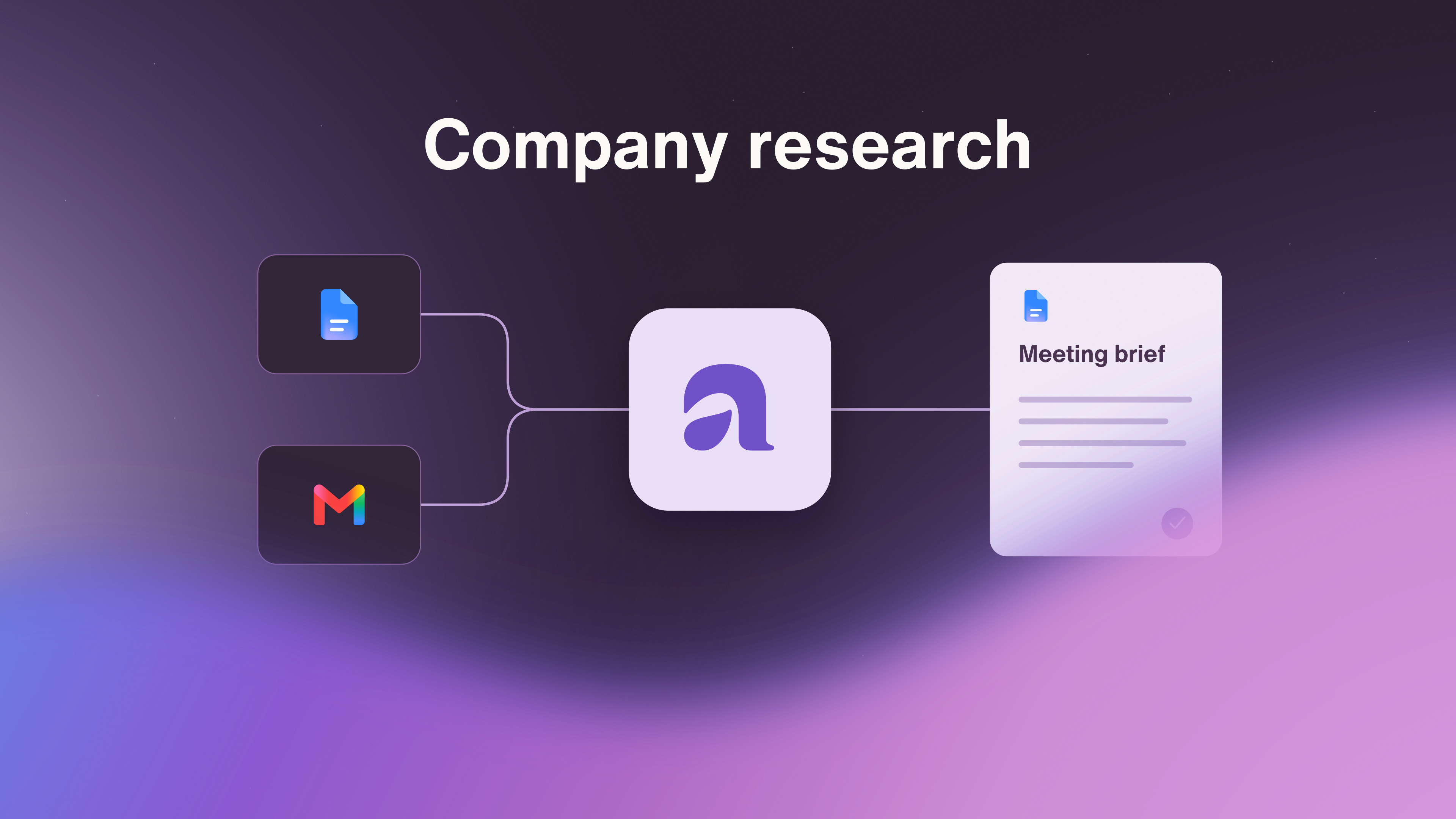
Artie's conversion audit fits a marketing team that wants an investigation of an existing signup or registration path, followed by a ranked proposal it can act on. Peggy, Artie's marketing AI employee, reads the connected Google Analytics funnel or events by device and traffic source, then walks the pages herself at desktop and mobile sizes.
The useful output connects three things: the step where people leave, the friction Peggy observed and the copy or layout change worth trying. That gives the team a reason to prioritize a particular edit instead of starting with a general redesign.
Consider a fictional webinar registration audit. Analytics shows mobile visitors reaching the final form but leaving before registration. Peggy's walkthrough finds a long required “Describe your current process” field and a button labeled “Submit,” with no explanation of how the attendee will receive the joining link. A concise proposal could read:
First: shorten the registration form. Move the long process question into a follow-up message, subject to the team's need for that information. This addresses effort at the step where mobile visitors leave. The field change goes to the team for implementation.
Second: clarify the final action. Replace “Submit” with “Register for the webinar” and add “We'll email your joining link after registration,” once the team confirms that delivery behavior. This addresses uncertainty at the same step.
The drop-off identifies a place to investigate. The walkthrough supplies a hypothesis about the friction, not proof of why each visitor left. The payoff is a prioritized pair of changes with a clear purpose and usable replacement copy.
Approved copy changes can be made in a connected site editor or handed to your team. Peggy can also plan a test of the changes, which runs through a connected testing tool or editor.
Convertica: a page audit with a service to build the fixes
Convertica's free CRO audit reviews one page and returns scored checks, ranked issues and annotated desktop and mobile screenshots. It covers areas such as calls to action, form friction, trust and page performance. This is useful when a team wants a specific external review of a landing page before assigning the fixes.
The free tool cannot see your analytics, so its findings don't identify where your actual visitors leave a multi-page funnel.
Convertica also sells implementation services: its team can build the fixes on one page or audit and fix the entire site. The full-site service covers paths spanning pages such as home, category, product and checkout. For a team short on implementation capacity, that service is a substantial part of the offer. The purchase can include getting the changes live, rather than leaving an audit report in the backlog.
Converto: generate copy variants from an existing page
Converto suits a team whose next deliverable is revised page copy. It reads a live URL, scores copy, layout, calls to action, speed and AI readability, then prioritizes changes. It also generates replacement headlines, subheads and calls to action, alongside layout suggestions.
That makes the audit useful to the person editing the page. A recommendation to sharpen the headline arrives with wording to work from. The workflow runs against an existing page without rebuilding it inside another page builder.
The team can copy the variants into its site and test the changes. A tracking snippet is optional for later live tracking, rather than a prerequisite for receiving the audit and variants. Converto is a practical fit for revising a campaign page or offer when the immediate need is a set of concrete alternatives to the current copy.
Microsoft Clarity: investigate what real visitors experience
Microsoft Clarity is useful when the audit needs evidence of actual visitor behavior. Session recordings show individual journeys, while heatmaps show patterns in clicks and scrolling. Those recordings capture visitors using the site. Peggy's walkthrough captures her own experience of the path, a different source of evidence.
Clarity also helps interpret that material. Its Copilot features can summarize up to 250 recordings together, explain heatmaps, answer questions about dashboard data and suggest improvements. Its Google Analytics integration connects behavior evidence with analytics. A team investigating confusing navigation or a troublesome form can use those capabilities to narrow down what deserves attention.
Clarity's MCP server also makes analytics available to Claude Desktop and other compatible clients. That gives teams a route to query the data from an assistant, as well as work inside Clarity. It is a useful foundation for an audit that needs both observed behavior and help interpreting it.
Fibr: connect audit recommendations with personalization and tests
Fibr's free CRO audit adds business context to a page review. It asks about the site, audience, competitors and advertising, then returns prioritized recommendations with implementation guidance. This fits a team investigating whether its landing page matches the people and campaigns sending traffic to it. Any projected uplift in the report is an estimate, not a measured result from changing your site.
The broader Fibr platform carries the job into execution. It connects to the existing website and marketing tools, uses visitor and performance signals to identify opportunities, and generates variations for the team to review and approve. It then runs experiments and directs traffic toward better-performing experiences.
Fibr is relevant when the buying decision includes ongoing personalization and experimentation. The existing site can remain in place, so adopting it does not require a new website just to act on the audit.
Metricuno: investigate and test changes in an e-commerce store
Metricuno brings store analytics, funnels, heatmaps, session replays and A/B testing into one workspace. It is built for e-commerce teams that want to follow a purchase problem from observation through to a test and keep the learning for later decisions.
Its visual editor can change copy, styling, position and visibility on the store, then launch a test. Changes involving backend logic still need a developer. The learning record connects observations, hypotheses, ideas and results, so the next experiment can build on what the team already learned.
Stores can retain GA4 for marketing attribution and use Metricuno for funnels and experimentation. Where GA4 exports to BigQuery, that history can also be imported. Metricuno is a relevant choice when the audit is the beginning of an ongoing store optimization program and the team wants evidence, page changes and test results together.
ChatGPT Work and dots: commission an audit across your materials and tools
ChatGPT Work can analyze files and data, research and interact with websites, use connected plugins, create finished documents and repeat work on a schedule. A marketing team can commission an audit that combines its analytics exports, campaign material and existing pages into a prioritized report with proposed copy. The work it can carry out depends on the available tools, permissions and workspace settings.
Dots adds an ongoing agent with its own cloud computer and browser. It can retain context across conversations, keep working while your computer is off and delegate tasks to Work or Codex. That makes it relevant when the same audit needs follow-through as campaigns, pages or results change.
Dots access varies by plan, region and workspace. It is rolling out to eligible Pro and Business Premium accounts and is available in eligible Enterprise, Edu and Healthcare workspaces, subject to admin settings. This option fits teams that want to assemble the audit around their own source material and carry the resulting work across several tools.
Claude: combine analytics queries with browser and computer work
Claude can take an active role in a conversion investigation. Through Clarity's MCP server, Claude Desktop can query analytics such as engagement and scroll depth by device and retrieve session recordings for analysis. That route requires a Clarity project and Data Export API access.
Separately, Claude Cowork can use connectors, work in a browser and interact with desktop applications. It can gather material, inspect an experience and compile a report. Computer use is a beta capability for Pro, Max and Ultra on macOS and Windows, with application permissions required and the computer awake with Claude Desktop open.
This is a flexible option for a team that wants analytics questions, page inspection and report preparation in one assignment. The Clarity connection supplies a specific data route, while Cowork's tools provide separate ways to investigate and carry out the surrounding work.
Buy the output your team needs next
For a page review and replacement copy, Convertica and Converto offer concrete starting points, with Convertica also providing a human implementation service. Clarity adds real visitor evidence. Fibr and Metricuno put experiments into the same broader optimization process. ChatGPT Work, dots and Claude let a team commission the investigation across its own materials and tools.
For a signup or registration path, Artie's case is an investigation that arrives already defined. Peggy reads the connected Analytics funnel by device and source, walks the same path at desktop and mobile sizes, and returns ranked copy or layout changes, each tied to the step where people leave and the friction she found. A general assistant can produce a similar report once your team specifies the data, steps and format it wants. With Peggy, that method is the job. Your team gets a specific decision to make and wording it can approve for the connected editor. Explore the conversion audit with Peggy to turn a weak step in the funnel into the next change worth making.